Looking for cloud-based virtual desktop solutions? This comprehensive comparison dives into Azure Virtual Desktop vs. Windows 365 features, costs, and best use cases.
Both Azure Virtual Desktop (AVD) and Windows 365 are cloud-based virtual desktop solutions from Microsoft. They solve the same fundamental problem letting employees access a full Windows environment from any device, anywhere but they do so in meaningfully different ways.
Azure Virtual Desktop
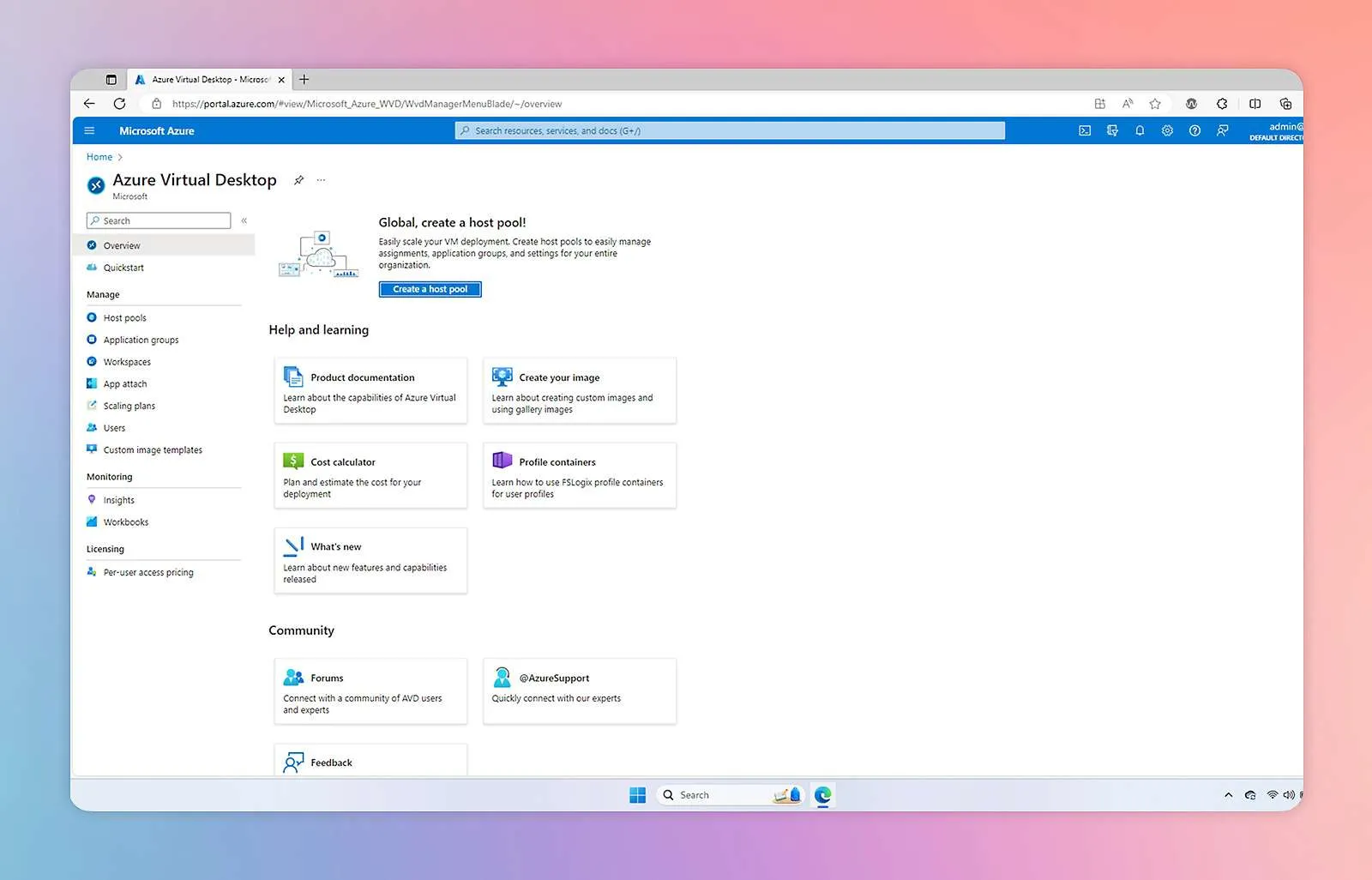
Azure Virtual Desktop is a session-based virtualization platform. Multiple users can share virtual machines (VMs) simultaneously, which drives down per-user costs for organizations with many seats. You manage everything through the Azure portal, giving IT teams granular control over resources, configurations, and costs.
Key characteristics:
- Session-based: multiple users share VMs
- Managed through Azure portal
- Flexible deployment: persistent or non-persistent desktops
- Integrates with Azure Backup, Monitor, and Security Center
- Best for: Organizations needing maximum flexibility, cost optimization at scale, and deep Azure integration
Windows 365
Windows 365 is a Desktop-as-a-Service (DaaS) offering. Each user gets a dedicated, personal Cloud PC a virtual machine that is always on and always personal. You manage it through the familiar Microsoft 365 admin center, making it accessible to IT teams without deep Azure expertise.
Key characteristics:
- Each user gets a dedicated Cloud PC
- Managed through Microsoft 365 admin center
- Works on Windows, Mac, Android, and iOS
- Tight Microsoft 365 integration your Cloud PC feels like your regular PC
- Best for: Simplicity, Microsoft 365 shops, and non-technical IT teams
Choosing the Right Solution
Choose Azure Virtual Desktop if:
- You need maximum scalability and cost control
- Your IT team is comfortable with Azure
- You want to optimize costs by sharing VMs across shift workers
- You need advanced customization and integration options
Choose Windows 365 if:
- You want simplified management without Azure expertise
- Your users need a persistent, personal desktop experience
- You are already heavily invested in Microsoft 365
- You want predictable, per-seat pricing without managing infrastructure
Both solutions deliver the security and accessibility benefits of cloud desktops. The right choice depends on your team’s technical capabilities, your existing Microsoft investments, and how much control you need. Our Microsoft 365 and IT infrastructure teams help BC businesses deploy and manage both platforms.
Let us help you evaluate which cloud desktop solution fits your business.