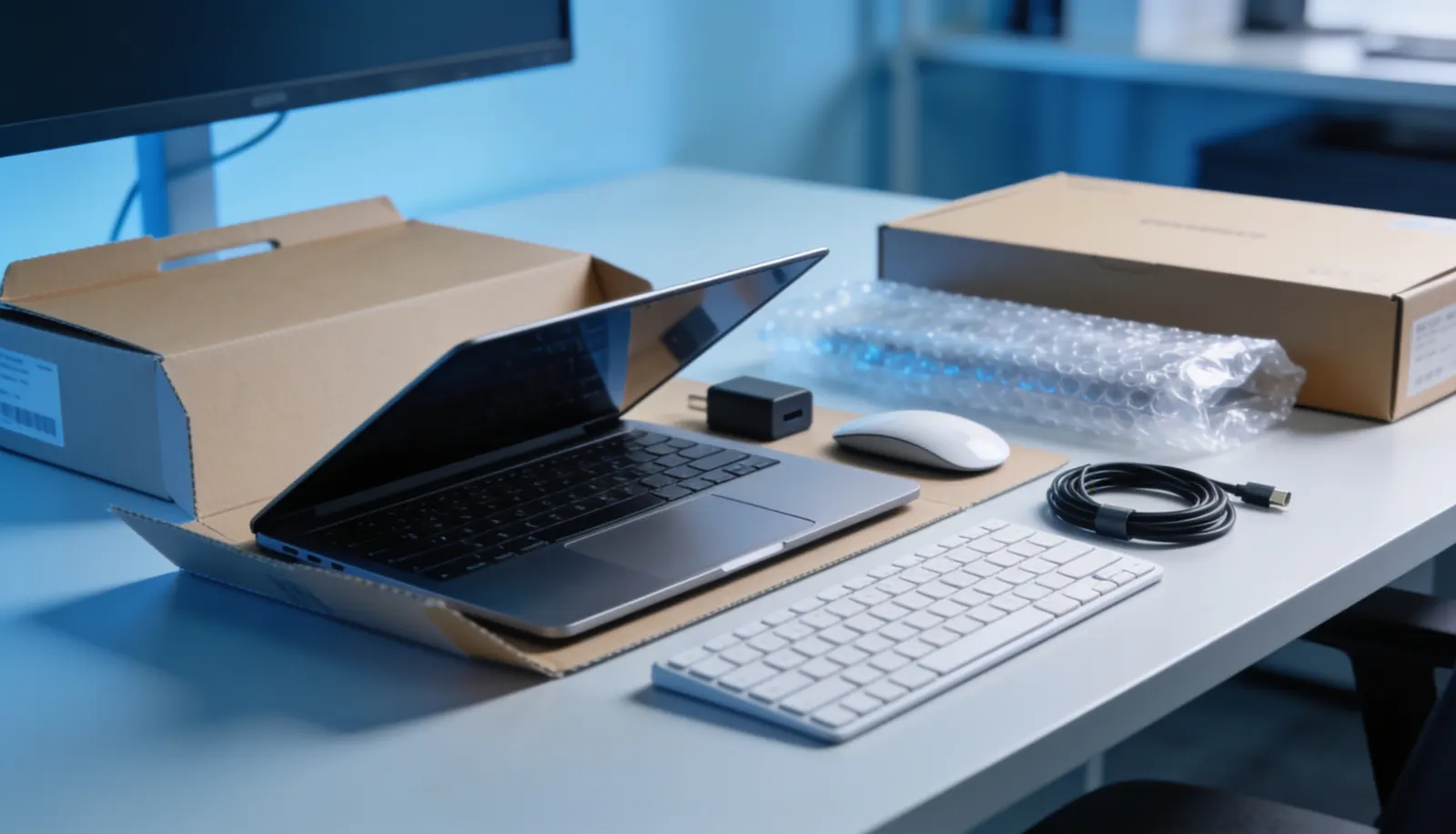
Dell, HP, Lenovo, or Cisco? A practical guide to choosing business computer hardware vendors in BC, and why sourcing through your IT provider usually beats buying direct.
Choosing a hardware vendor sounds like it should be simple: pick a brand, order the equipment, done. In practice, the decision affects warranty handling, driver support, repair turnaround, and how easily your IT provider can manage the fleet for the next four to five years. Getting it wrong does not usually cause a crisis, but it adds friction to every laptop refresh and every support ticket that follows.
What Actually Differs Between Vendors
Dell has strong enterprise account management and a wide range of business-grade ThinkPad-equivalent laptops (the Latitude and Precision lines) with predictable parts availability across BC.
HP offers a similarly broad business lineup (EliteBook, ProBook) and tends to have strong pricing on bulk orders, which matters when you are refreshing ten or more devices at once.
Lenovo ThinkPads have a long-standing reputation for durability and serviceability, and Lenovo’s enterprise support tends to be straightforward to work with for warranty claims.
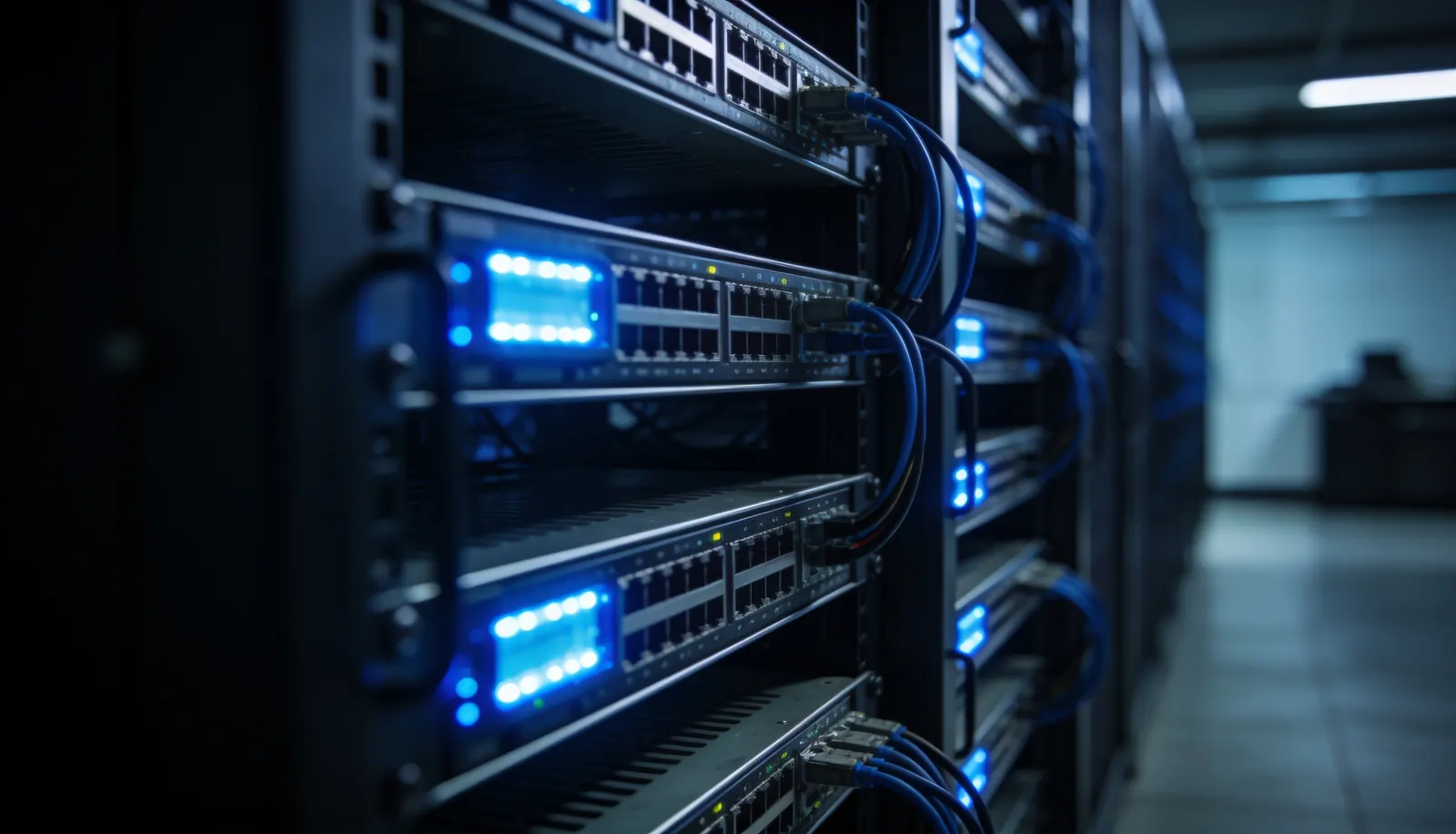
Cisco is the standard reference point for networking equipment (switches, routers, security appliances) rather than end-user devices, and most BC businesses running anything beyond a single office will have Cisco gear somewhere in the network closet.
For most growing businesses, the practical difference between these vendors at the business-grade tier is smaller than marketing suggests. What matters more is which vendor your IT provider already has strong account relationships with, since that affects how quickly replacement parts and warranty claims move.
Why Vendor Choice Should Follow Your IT Strategy, Not the Other Way Around
A common mistake is choosing hardware first and asking your IT provider to support it after the fact. This works, but it puts you in a weaker position: your provider has no input into a decision that affects how easily they can manage your fleet, and you lose any volume pricing or relationship benefit they may have with a specific vendor.
The better sequence is to ask your IT provider which vendors they already support well, then choose from that shortlist. SFS Technologies is an authorized partner with Dell, HP, Cisco, Lenovo, and MSI, which means we can source any of these directly, configure devices before they reach your team, and register warranties under our account so replacement claims move faster.
Questions to Ask Before You Order
- What is the warranty term, and who handles claims? A three-year on-site warranty is very different from a one-year mail-in warranty when a server component fails.
- Does the vendor have local parts availability? Replacement parts shipped from outside Canada add days to a repair that should take hours.
- What is the total cost, not just the unit price? Configuration, imaging, and deployment time add up, especially across a multi-device order.
- Will this hardware fit your existing environment? A new server needs to match your virtualization platform and backup software, not just have impressive specifications on paper.
Sourcing Hardware Through Your IT Provider
If your IT provider already manages your network, Microsoft 365 environment, and security stack, sourcing hardware through them closes a gap that otherwise falls on your team: someone has to be the single point of contact when a new laptop will not join the domain correctly, or a server arrives with the wrong RAID configuration. SFS Technologies handles hardware procurement at cost plus a transparent handling fee, so you see what the equipment actually costs and what the coordination is worth, rather than a marked-up bundle.
For businesses anywhere in BC, sourcing and procurement coordination is available regardless of location. On-site delivery and physical setup are concentrated in Metro Vancouver and the Fraser Valley, the same area covered by our infrastructure support.
Frequently asked questions
Is Dell, HP, or Lenovo better for business hardware?
All three make solid business-grade hardware, and the right choice usually comes down to your existing fleet, warranty terms, and what your IT provider already supports well. Consistency across your fleet matters more than the brand name on any single device.
Should I buy business computers direct from the manufacturer?
You can, but you lose the benefit of having one team responsible for sourcing, configuration, warranty registration, and support. If something fails, you are the one coordinating between the vendor and whoever manages your network instead of making a single call.
How many vendors should a small business standardize on?
Most growing businesses do well standardizing on one or two hardware brands per category (one for laptops, one for servers, for example). Standardizing reduces the number of driver and firmware combinations your IT provider has to manage and makes warranty tracking simpler.